 Narration Studio
Your presentation,
told in your voice.
Narration Studio turns a presentation, a how-to or your own picture book into a narrated video. Bring your words or let it write them, hear them in your voice, and keep your work on your computer.
Voice-overs should be simple
- Hours lost to editing. Turn a presentation into a finished voice-over without cutting and splicing recordings.
- Stumbled words and endless retakes. Fix a word by typing it. The app says it for you.
- Starting from a blank page. The built-in writer looks at each page and drafts the script.
- Content that goes out of date. Change one page and leave the rest of your narration as it is.
- Tools made for experts. No video editing skills, studio or voice actor needed.
Why I built itAdam, designer of Narration Studio
Read the transcript
Hi, I'm Adam, the designer of Narration Studio, and here's why I built it. Like a lot of people, I'm self-conscious about my voice, so recording myself is a terribly long process. A thirty minute presentation can cost me three hours of editing, because I keep stumbling over a couple of words. I wanted something stupidly simple. You bring your slides, and it handles the voice-over. And yes, the audio quality here is rough. I gave it a few seconds of me, on my laptop's open mic. Better mic, better sound. It's not about perfection. It's about sounding more professional, without a studio, an editor, or a voice actor.
Made in Narration Studio with Adam's voice.
Hear it in action
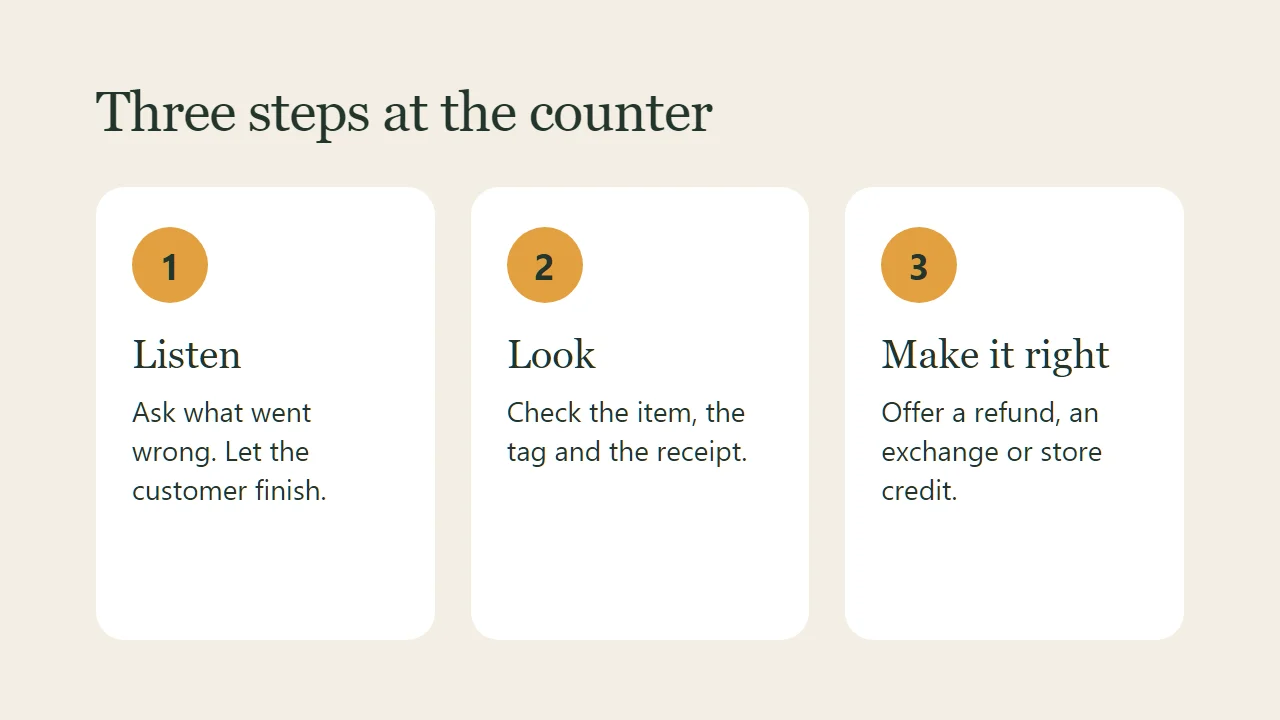
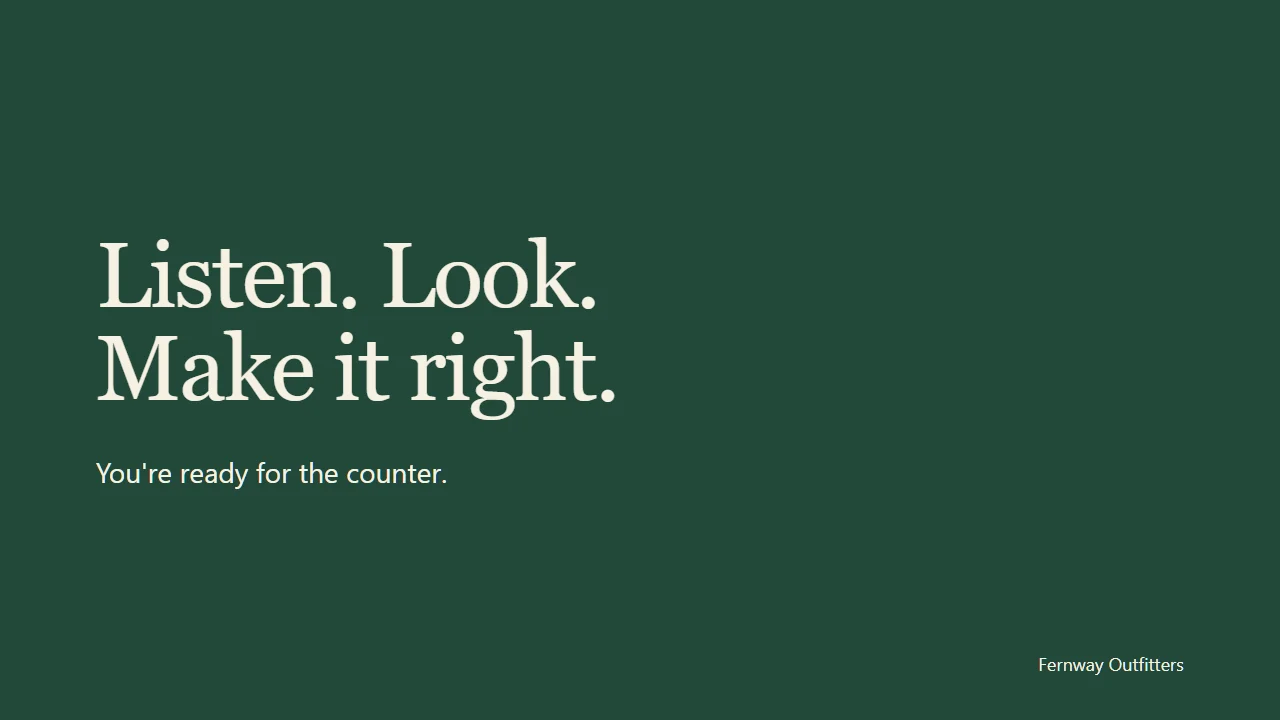
Press play. The app wrote this script and spoke it, using a voice made from a short sample. Fernway Outfitters is a made-up company.
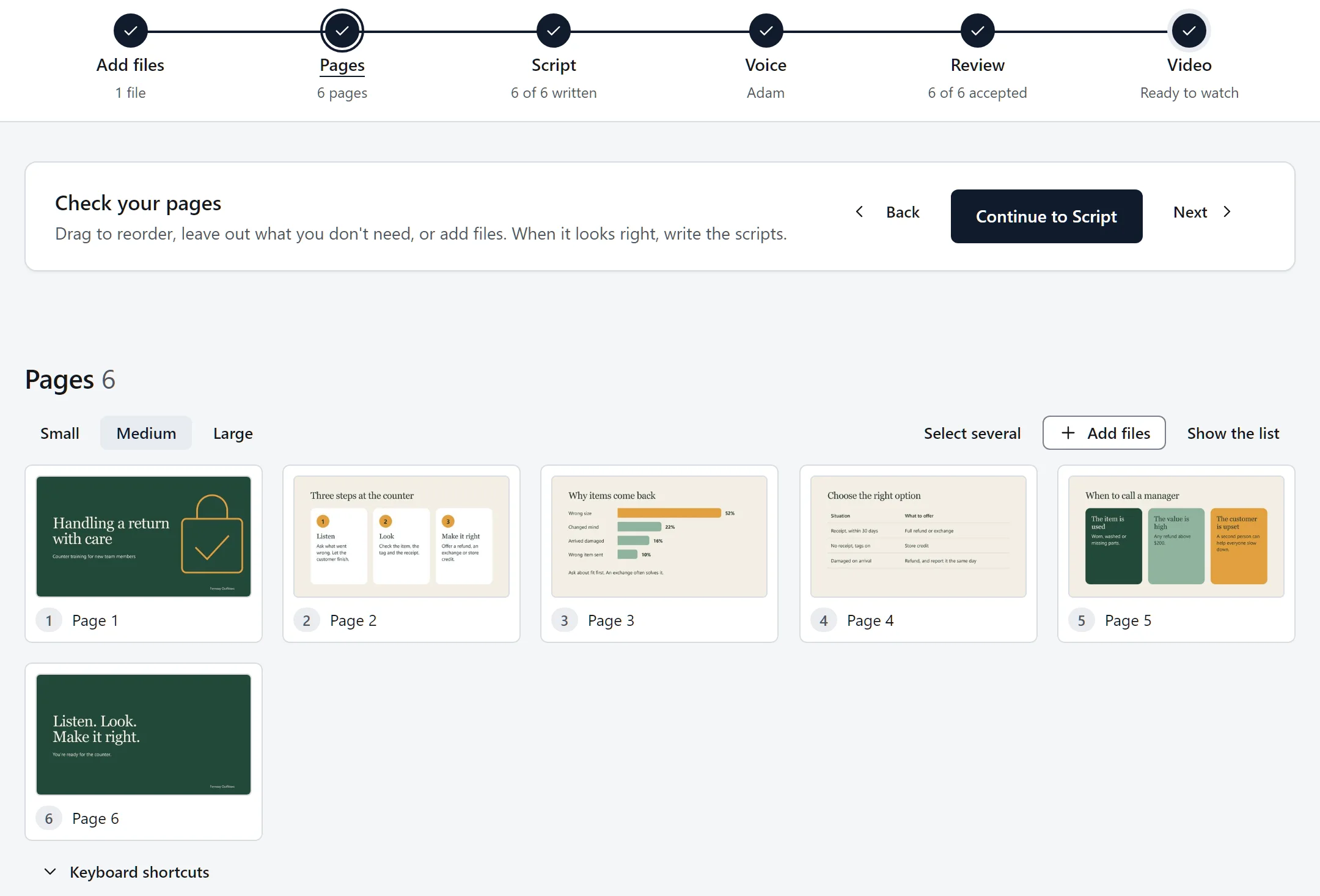
Five steps, always in view
The whole job is laid out in order, and the app tells you what comes next. If you can make slides, you can make the video.
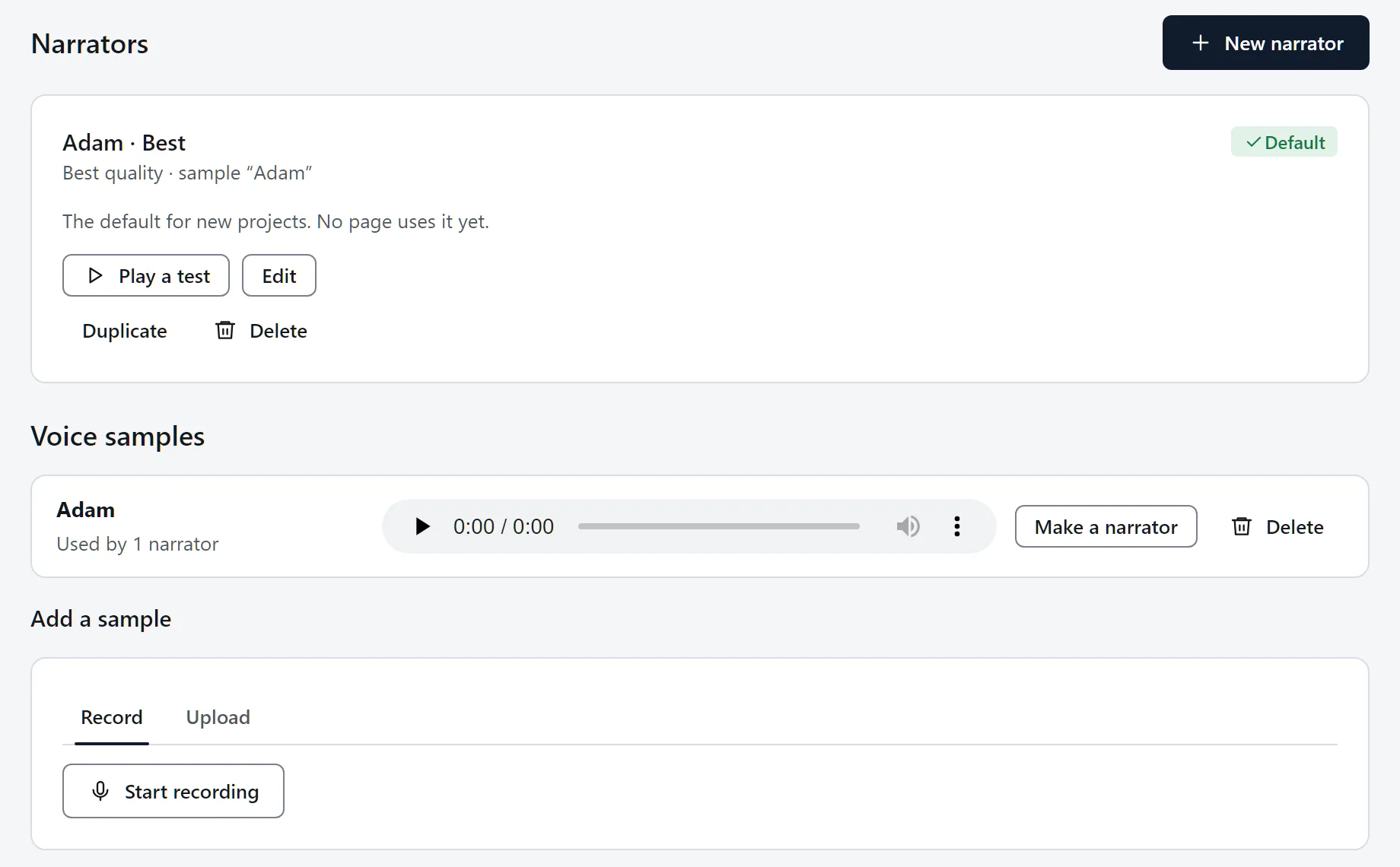
It sounds like you because it starts with you
Record a short sample or upload one. From then on you type and it speaks, so your training keeps one familiar voice from the first slide to the last.
- No booth. No retakes because the phone rang.
- More than one narrator. Give any page a different voice.
- Rather not use yours? A ready-made voice is included.
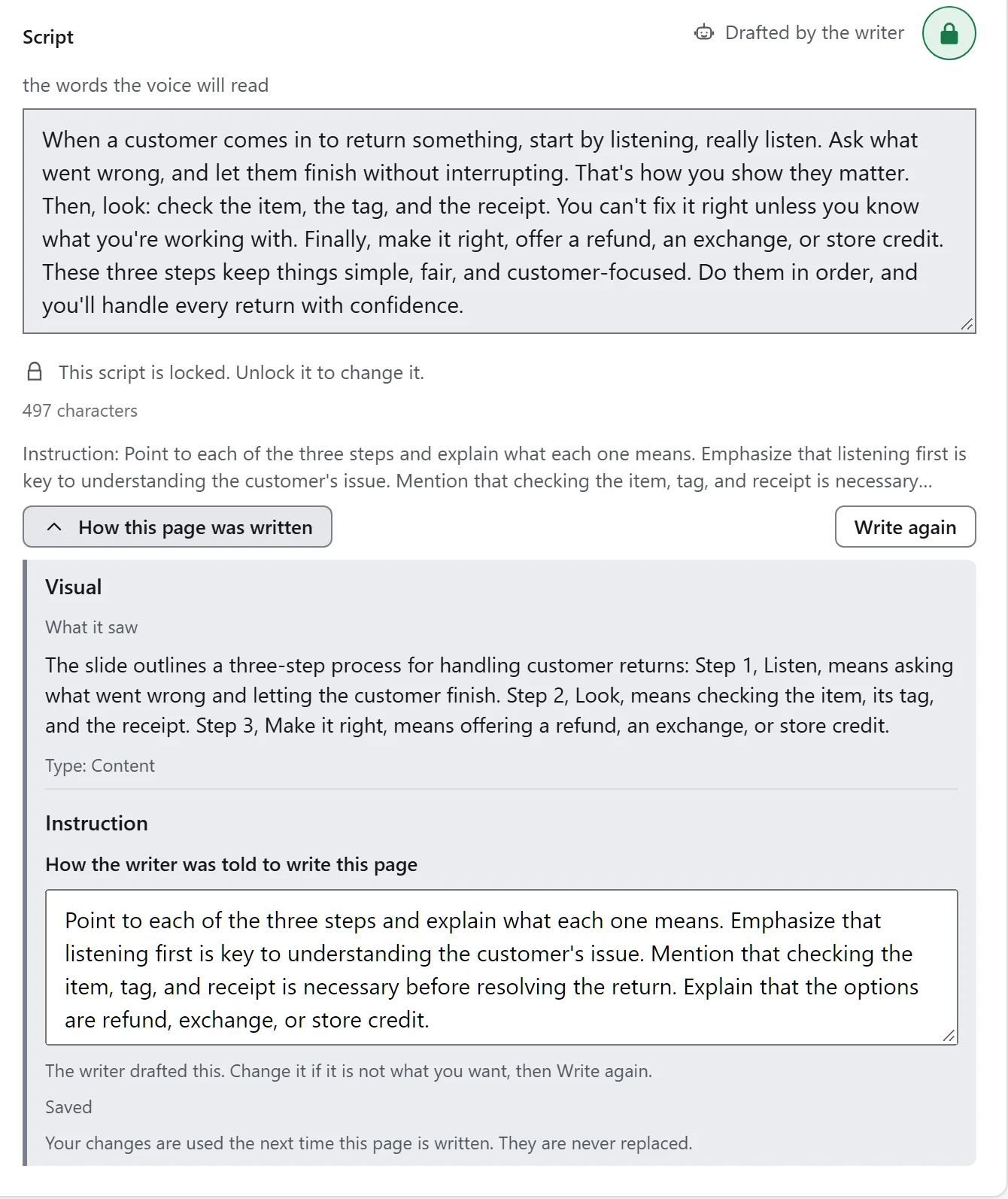
A script writer that looks at the slide
It reads charts, tables and pictures as well as text, then explains what they mean. You see what it noticed and how it was asked to write, and you can change the instruction.
- Tell it once. Say who the deck is for, and it sets the tone.
- Checked before you read. It flags pages that run long or need a second look.
- Your words win. Edit anything. Pages you lock or accept stay out of bulk rewrites.
New slide? Keep the rest.
Policies change, and so do products. Add a slide or edit a sentence, make the audio for that page, and leave every finished page alone. Try it.
6 slides. All accepted.
 Accepted, kept
- Accepted, kept
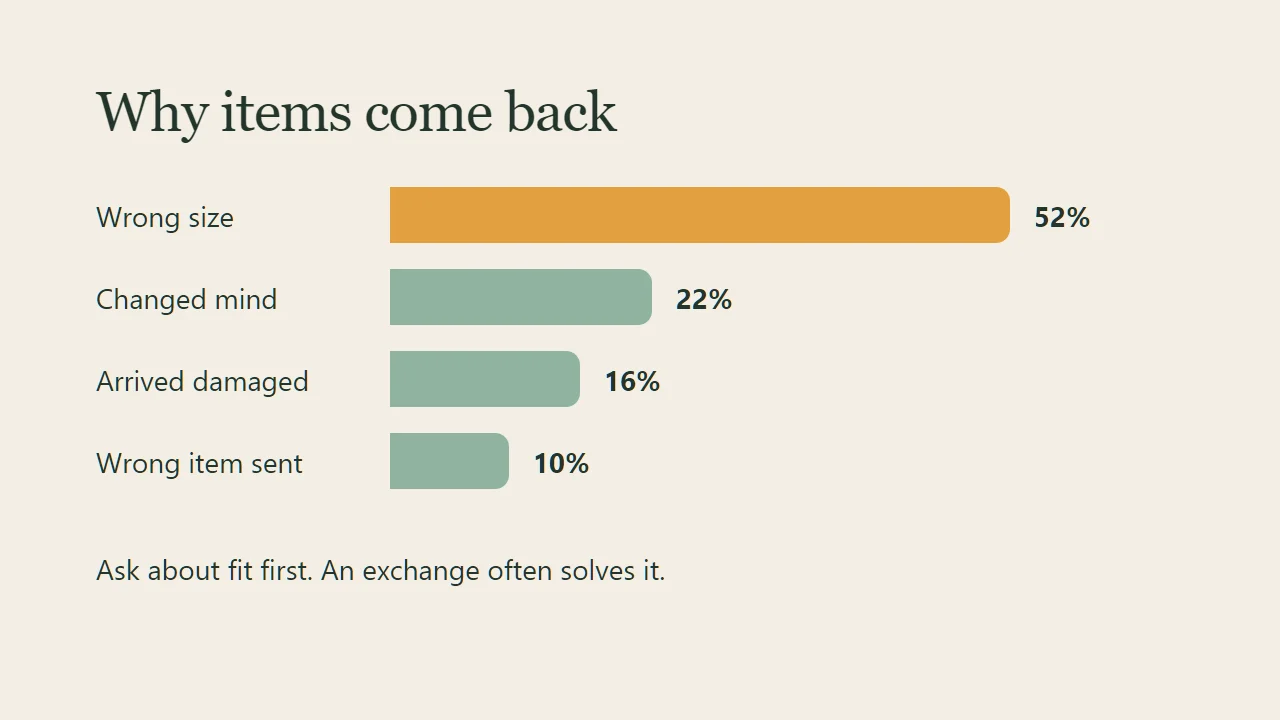 Accepted, kept
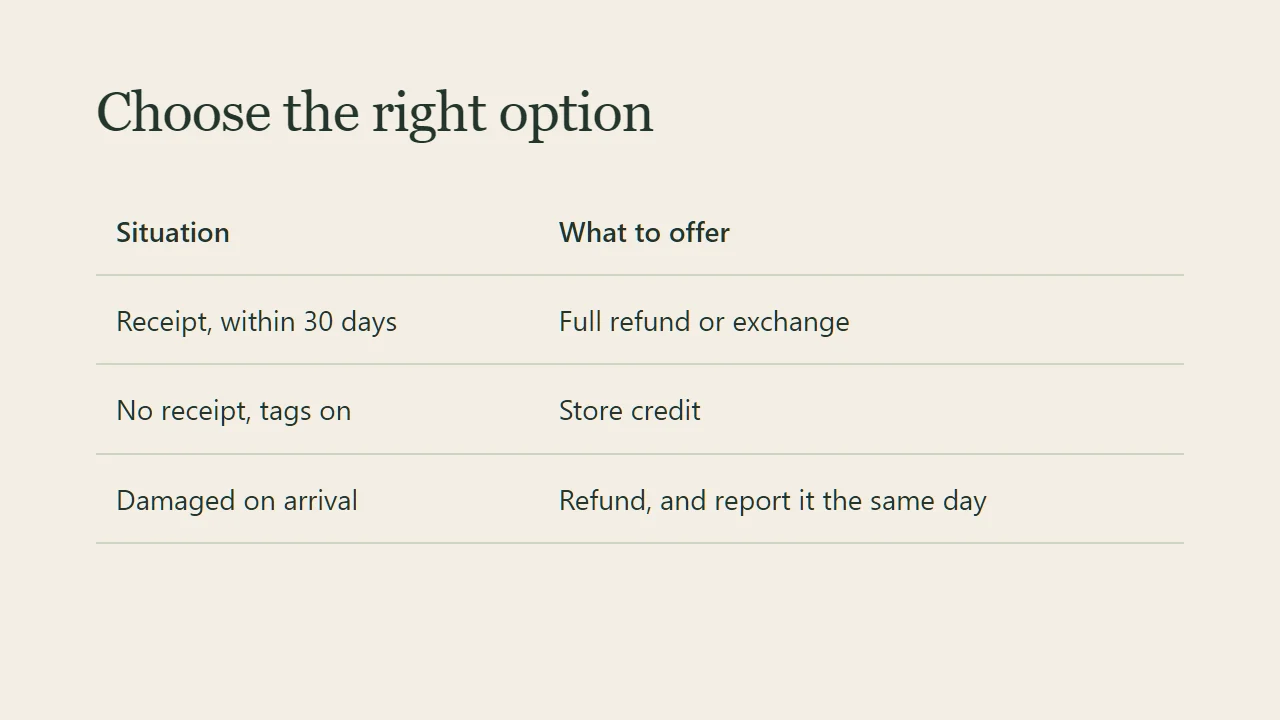 Accepted, kept
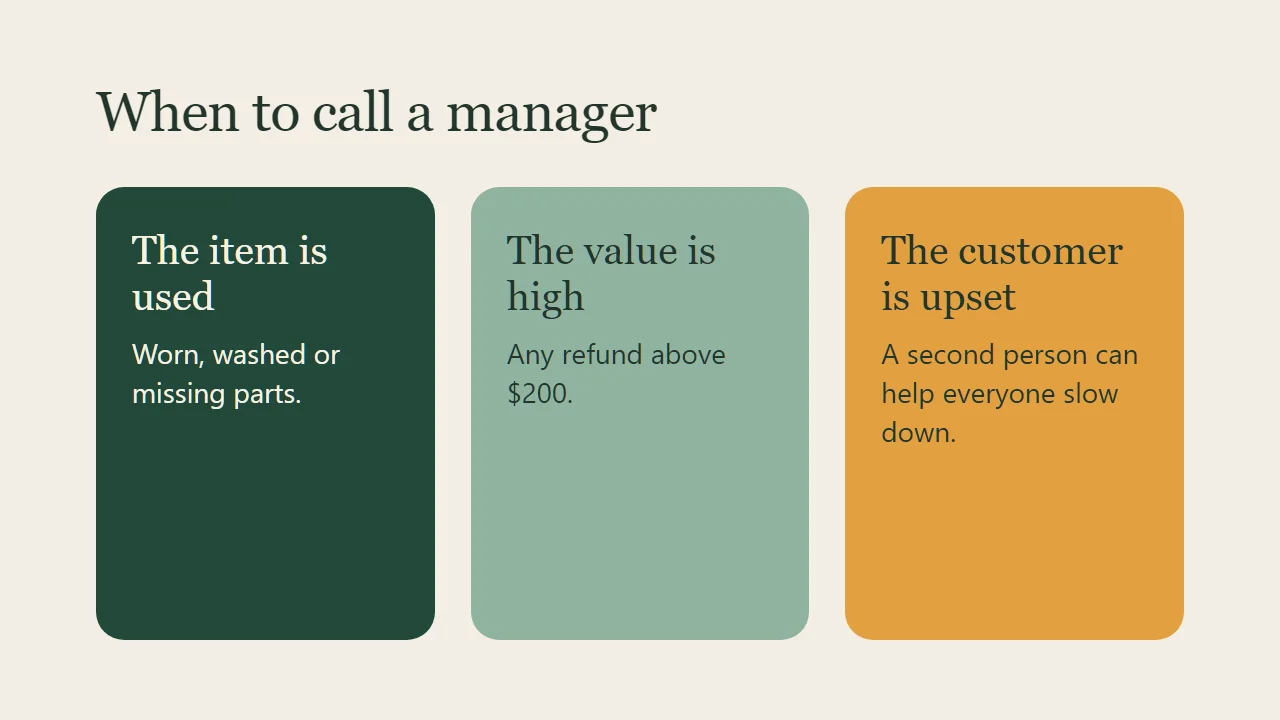 Accepted, kept
 Accepted, kept
- Room for one more
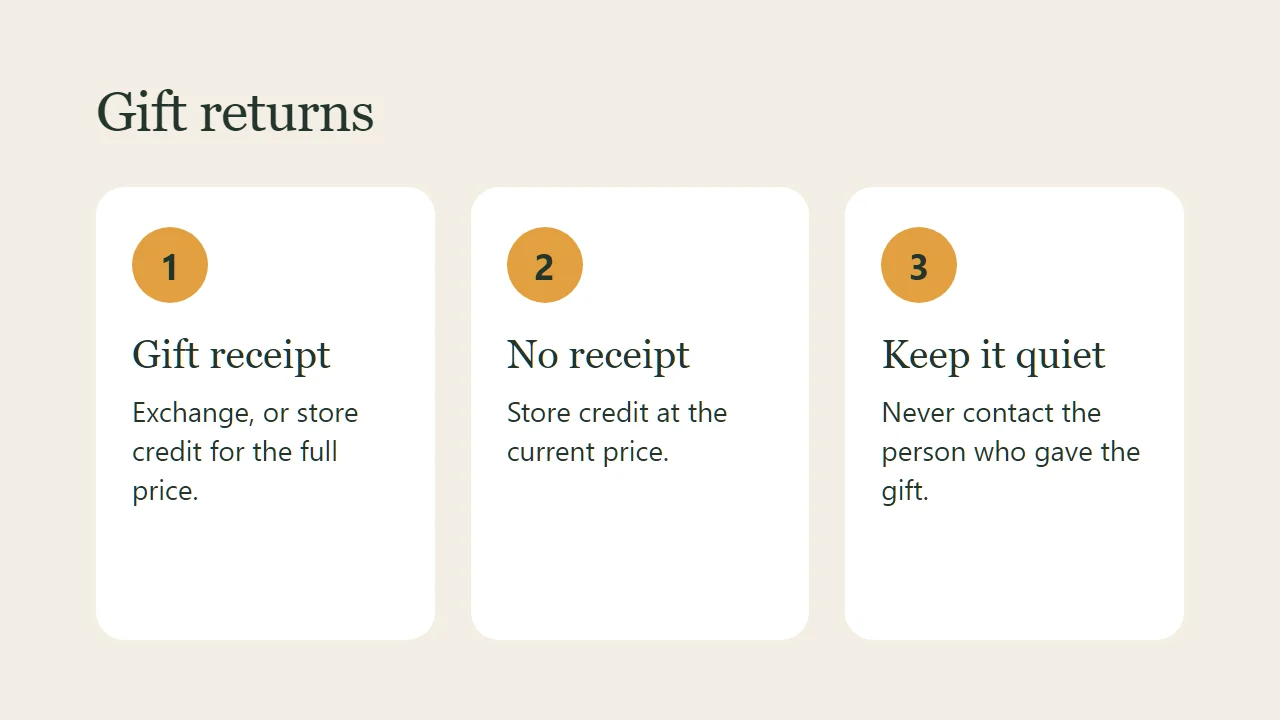 New, ready to review
Your work stays on your computer
The built-in writer and voice run right where you are. Your slides, scripts and recordings are not uploaded to make a video.
On your computer
- Your slides and filesOpened and stored here
- Script writingThe built-in writer runs here
- Your voiceThe sample and every recording
- The finished videoMade and saved here
Uses the internet
- First setupDownloading the writer and voice
- UpdatesChecking for a new version
Coming soon
Connect your own AI services
Prefer a service you already use? You will be able to tie in its API. Local stays the default, and nothing is sent unless you choose it.
Work together on your network
Open one Studio to teammates in the same office, without putting it on the internet.
Narration Studio for Mac
The same steps, on Apple silicon.
Pricing
Watch what comes out
Six slides, start to finish, as Narration Studio exported them. We trimmed one sentence from its script by hand.
Good questions
Do I have to record every slide?
No. You record or upload one short voice sample. Narration Studio reads your scripts in that voice, so a changed sentence means making one page again.
Can I write my own script?
Yes. Type or paste your own words on any page, edit what the writer drafted, or have it write only the pages you choose.
What can I bring in?
PowerPoint, PDF, documents, pictures, text and video clips. PowerPoint and office documents use a free add-on that you install from Settings.
Do I need a powerful computer?
It runs on a graphics card or on the processor alone. A graphics card is much faster. The writer and the voice are large downloads, done once, and the app shows the size before you start.
Does it work offline?
Writing and narration run on your computer once the writer and voice are downloaded. The app goes online for those downloads and to check for updates.
Whose voice may I use?
Your own, or one you have clear permission to use. Please do not imitate someone without their consent.
Is it on Mac?
Windows is first. A Mac version is being worked on.
What will it cost?
Pricing will be announced at launch.
Make the next one yourself
Narration Studio is in private testing on Windows. Send a quick email and we will write when it opens up.